Tip: paste a list from a spreadsheet or document — each line becomes a segment.
Advanced options
- No spins yet.
Classroom Name Picker
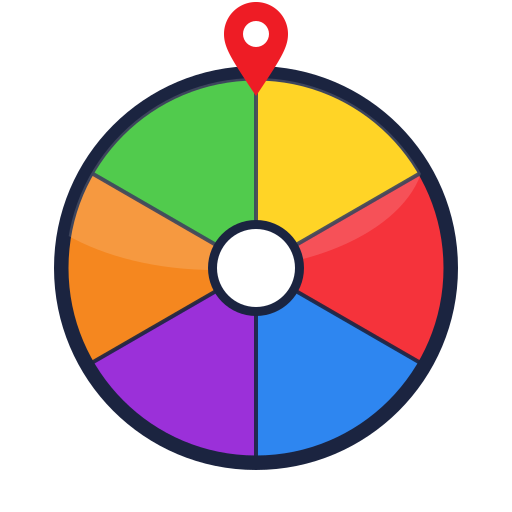
A random name picker for teachers. Spin the wheel to choose a student fairly, with no one feeling singled out.
A fairer way to call on students
Cold-calling by memory tends to land on the same few students. A name picker wheel spreads it out and makes the selection visible, so the class can see it was not personal. It also adds a small moment of suspense that keeps attention on the board.
Load your class list once and it stays in this browser for every future lesson.
Set it up
- Replace the sample names with your class list (one name per line).
- If you want to get through everyone, switch on Remove the winner after each spin.
- Press Fullscreen for a big wheel the back row can read.
- Give it a title in Advanced options — “Reading group”, “Exit question”, “Line-up order”.
Ways to use it in a lesson
- Question time. Spin to choose who answers or who reads next.
- Classroom jobs. Spin for line leader, door holder, equipment monitor.
- Group work. Use it with the team generator to build random groups.
- Order of play. Spin repeatedly with remove-winner on to set a presentation or turn order.
- Brain breaks. Spin for who picks the next stretch or the next song.
Keeping it kind
Impartial does not have to mean harsh. Skip a spin if a student is clearly not ready. Keep the highest-pressure questions for volunteers and use the wheel for quick, safe prompts. Tell the class how it works — that every name is an equal slice and the result is random — so it reads as fairness, not roulette.
Frequently asked questions
How do I load my class list?
Open the entries box, select the sample names, delete them, and paste your class list — one name per line. It is saved in this browser for next lesson.
How do I make sure every student gets picked?
Turn on "Remove the winner after each spin". Each name comes off the wheel after it is chosen, so you cycle through the whole class before anyone repeats.
Is it fair to shy students?
The wheel is impartial, which is the point — but you stay in control. You can skip a spin, keep a private "not today" list, or use the wheel only for low-pressure prompts.
Can I use it on the interactive whiteboard?
Yes. It is touch-friendly and has a Fullscreen button for a large, clear wheel at the front of the room.
Related wheels
Want a blank wheel instead? Open the main Random Pick Wheel wheel →